How to Get Mods on Gorilla Tag (PC & Quest) – 2026 Walkthrough
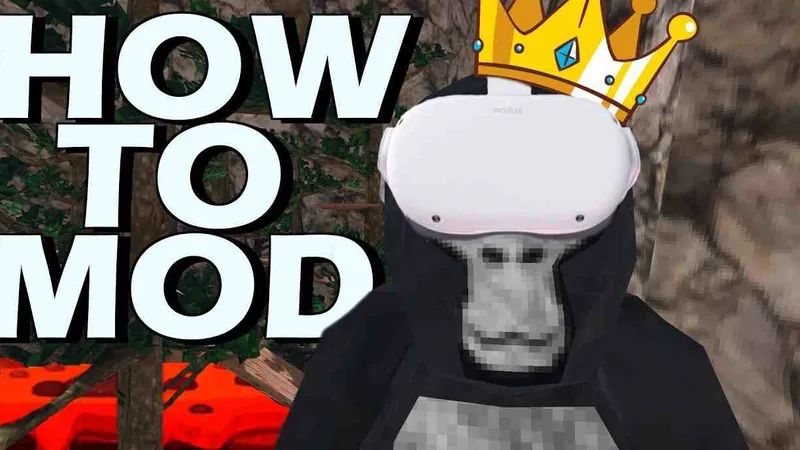
There are two different things people mean by “mods” in Gorilla Tag, and they work completely differently.
1. Official custom maps (Quest and PC)
The game has built-in mod.io support through the Virtual Stump:
- Go to the Arcade in City and use the green headsets.
- Link your account at mod.io/connect when it asks.
- Use the maps terminal to browse and install maps, then play them with others.
This works on standalone Quest and Steam, needs no files, and is the only sanctioned route. Accounts registered as under 13 can’t use it.
2. BepInEx plugins (Steam/PC only)
Everything else, like Bark, Walk Simulator, cosmetics or menus, is a DLL plugin:
- BepInEx 5.4.23.x (x64): extract it next to
Gorilla Tag.exe, launch the game once. - Utilla if your mods need it, from sirkingbinx/Utilla (old 1.6.x builds no longer load).
- Drop mod DLLs into
BepInEx/plugins.
Or let Monke Mod Manager (BzzzThe18th fork) do steps 1–3 for listed mods.
Quest can use these only while playing the PC version over Link, Air Link or Virtual Desktop.
Staying out of trouble
- Modded gamemodes and private codes are where PC mods belong. The community wiki says all mods carry some ban risk, and modded lobbies don’t stop reports.
- Cheat menus are a different category. Another Axiom’s terms forbid cheating.
- Get mods from GitHub releases or Monke Mod Manager. The Gorilla Tag Modding Group Discord is the other source the wiki recommends.
Ready to Download?
Click below to download this mod. Links point to the developer's official release (mod.io, GitHub) where available, or to an unmodified mirror of the original file when the official link is gone.
Recommended Modding Guides
Step-by-step tutorials to help you safely install, configure, and troubleshoot Gorilla Tag mods.
You Might Also Like
BepInEx for Gorilla Tag – Mod Loader Setup (5.4.23.6)
BepInEx is the open-source Unity plugin loader nearly every PC Gorilla Tag mod needs. Which zip to pick, how to install it, and fixes for first-run problems.
Computer Interface for Gorilla Tag – Custom Treehouse Computer & Commands
Computer Interface by ToniMacaroni and contributors replaces the Gorilla Tag computer with a moddable one: command line, mod toggles, custom backgrounds. v1.6.1 setup.
Download BepInEx for Gorilla Tag – Checklist Before Your First Mod
A short checklist for getting BepInEx 5.4.23.6 into Gorilla Tag on Steam: the right zip, where it goes, how to confirm it loaded, and how to undo it.