Computer Interface for Gorilla Tag – Custom Treehouse Computer & Commands
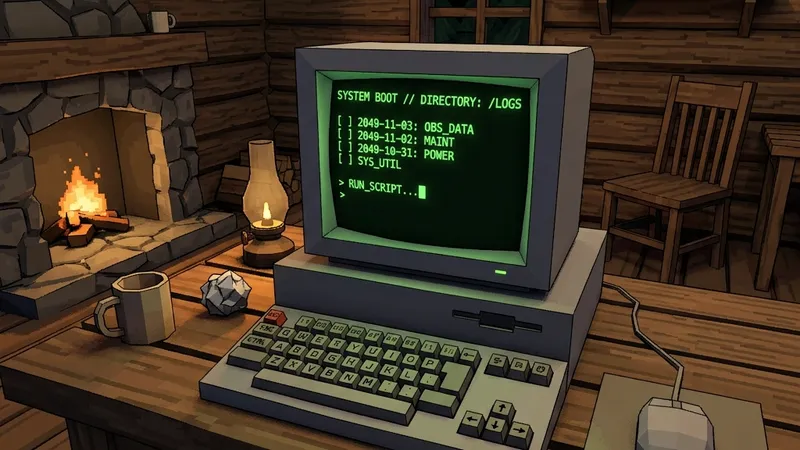
Computer Interface swaps the stock Gorilla Tag computer for a custom one that other mods can add screens to. Players mostly know it for two things: a typed command line, and a page where you can toggle supported mods on and off without leaving the game.
It’s a group project. The README lists ToniMacaroni, Graic, Dev (developer9998), A Haunted Army and Fchb1239 as the main contributors.
Built-in commands
setcolor R G Bchanges your gorilla colour (e.g.setcolor 255 255 255)setname namesets your namejoin codejoins a room codeleavedisconnects youcam fp/cam tpswitches the spectator camera between first and third personsetbg R G Bsets the computer background colour
Other features
- Toggle supported mods on and off
- Animated keys
- Custom background image: set
ScreenBackgroundPathinBepInEx/config/tonimacaroni.computerinterface.cfg. Use forward slashes. Relative paths start at the Gorilla Tag folder.
Details
- Source: github.com/ToniMacaroni/ComputerInterface (GPL-3.0)
- Latest release: 1.6.1, June 25, 2023
- Platform: PC / Steam (BepInEx)
Install
The README recommends Monke Mod Manager: select Computer Interface and hit Install/Update, which also sets up the dependencies. Doing it by hand means putting BepInEx, Utilla and Computer Interface’s other dependencies in place first.
Works with
Some mods ship a special build for it. Bark, for example, has a separate .CI.dll for players running Computer Interface. Monke Map Loader lists it as a dependency.
Known issues
The last release is from mid-2023. Gorilla Tag has changed its computer and UI since then, so the custom computer may misbehave or not appear on current builds. If it doesn’t, remove it before assuming other mods are broken.
FAQ
How do I join a room from Computer Interface?
My background image doesn't show.
Ready to Download?
Click below to download this mod. Links point to the developer's official release (mod.io, GitHub) where available, or to an unmodified mirror of the original file when the official link is gone.
Recommended Modding Guides
Step-by-step tutorials to help you safely install, configure, and troubleshoot Gorilla Tag mods.
You Might Also Like
BepInEx for Gorilla Tag – Mod Loader Setup (5.4.23.6)
BepInEx is the open-source Unity plugin loader nearly every PC Gorilla Tag mod needs. Which zip to pick, how to install it, and fixes for first-run problems.
Download BepInEx for Gorilla Tag – Checklist Before Your First Mod
A short checklist for getting BepInEx 5.4.23.6 into Gorilla Tag on Steam: the right zip, where it goes, how to confirm it loaded, and how to undo it.
Monke Mod Manager for Gorilla Tag – Which Version to Use in 2026
The original Monke Mod Manager was archived in 2023; the maintained fork by BzzzThe18th (2.0.3) installs BepInEx, Utilla and listed mods on PC. Plus fake "2026" copies to avoid.