Quest Modding Suite for Gorilla Tag – What Quest Modding Means Now
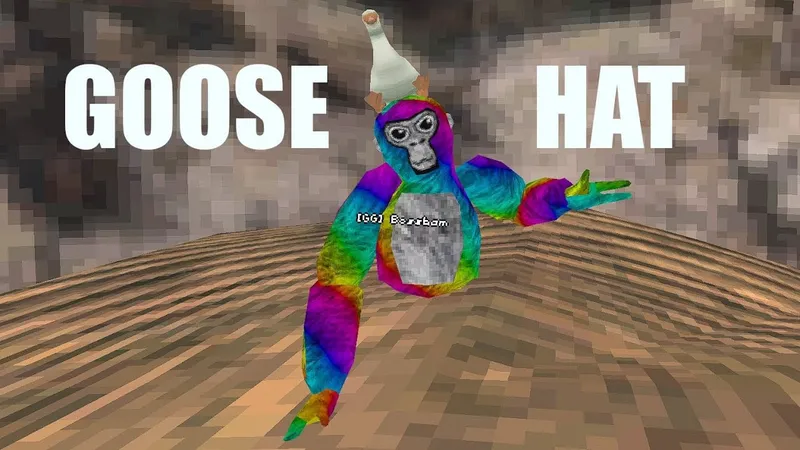
We couldn’t verify who made this “Quest Modding Suite” or what version it is, so here’s the context you need before trying any tool that promises mods on a standalone Quest.
PC mods don’t run on Quest
Almost every Gorilla Tag mod, from Bark to menus to cosmetics, is a BepInEx DLL for the Windows/Steam build. The Quest build is an Android app, and those DLLs can’t load there. A Quest can use PC mods only while it’s streaming the PC game over Link, Air Link or Virtual Desktop.
How Quest “modding” tools usually work
Standalone Quest mod tools generally need developer mode and sideloading: they patch or replace the game’s APK and install it over a USB connection. That means:
- Your game may stop updating normally, and updates can wipe the patch.
- You’re running a modified client. Another Axiom’s terms forbid that, and bans are account-wide.
- Patched APKs from unknown sources are an easy way to get malware or a stolen Meta account.
The official option
For custom content on standalone Quest, use the Virtual Stump. In the Arcade in City, use the green headsets, link your account at mod.io/connect, and install community maps legitimately. It isn’t available to accounts registered as under 13.
Ready to Download?
Click below to download this mod. Links point to the developer's official release (mod.io, GitHub) where available, or to an unmodified mirror of the original file when the official link is gone.
Recommended Modding Guides
Step-by-step tutorials to help you safely install, configure, and troubleshoot Gorilla Tag mods.
You Might Also Like
BepInEx for Gorilla Tag – Mod Loader Setup (5.4.23.6)
BepInEx is the open-source Unity plugin loader nearly every PC Gorilla Tag mod needs. Which zip to pick, how to install it, and fixes for first-run problems.
Computer Interface for Gorilla Tag – Custom Treehouse Computer & Commands
Computer Interface by ToniMacaroni and contributors replaces the Gorilla Tag computer with a moddable one: command line, mod toggles, custom backgrounds. v1.6.1 setup.
Download BepInEx for Gorilla Tag – Checklist Before Your First Mod
A short checklist for getting BepInEx 5.4.23.6 into Gorilla Tag on Steam: the right zip, where it goes, how to confirm it loaded, and how to undo it.