Only Up! Practice Parkour Map for Gorilla Tag — Complete Climbing Guide
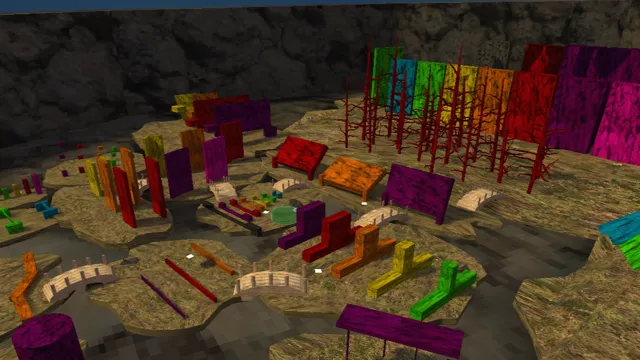
Mod Previews & Screenshots
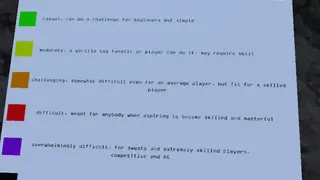
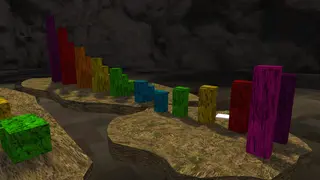
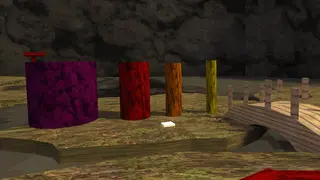
What Is the Only Up! Practice Map?
The Only Up! Practice Map is an extreme vertical parkour test designed for Gorilla Tag players looking to push their climbing mechanics to the absolute limit. Inspired by the viral Only Up! gaming phenomenon, the arena ascends over 500 virtual meters into the sky, starting from ground-level industrial junkyards and rising through floating shipping containers, suspended scaffolding, cranes, and clouds.
In this Practice Update, the author added helpful lower-tier checkpoint ledges, allowing novice and intermediate climbers to drill difficult wall-bounces and pipe-slides repeatedly without losing twenty minutes of vertical progress on a single mistake.
Key Climbing Sections & Route Layout
- Tier 1: Junkyard Scrap & Pipes: Learn precision hand placement on cylindrical pipes, tires, and metal dumpsters.
- Tier 2: The Construction Crane: A long vertical ascent requiring alternating arm leaps across iron girders and hanging steel cables.
- Tier 3: Floating Houses & Streetlamps: Complex geometric jumps requiring angled palm flicks off slanted rooftops.
- Tier 4: The Stratosphere Cloud Bounce: The final section featuring low-friction cloud trampolines leading to the victory beacon at the summit.
Pro Climbing Tips for High Altitudes
- Keep Your Head Steady: Moving your headset erratically shifts your virtual center of gravity. Keep your eyes focused on your next hand contact point.
- Use Parallel Palm Swipes: When scaling vertical metal beams, swipe your hand parallel to the surface rather than pushing directly outwards to avoid throwing yourself backward into empty air.
- Pace Your Rhythm: The most common cause of falling is arm fatigue. Take 10-second rest breaks on solid flat containers before tackling consecutive branch jumps.
How to Install and Play on PC & Quest
On PC VR:
- Ensure Monke Map Loader is installed in
Gorilla Tag\BepInEx\plugins\. - Download the
only-up-practice.gtmapfile using the button below. - Place the file inside:
Gorilla Tag\BepInEx\plugins\CustomMaps\ - Enter Gorilla Tag, select Only Up! Practice on the treehouse map terminal, and enter the portal.
On Meta Quest:
- Connect Quest to PC with QuestPatcher open.
- Drag and drop the
.gtmapfile into the Maps / Custom Assets section. - Sync and launch Gorilla Tag standalone.
Ready to Download?
Click below to go to the official verified repository for this mod. We only link to authorized releases on GitHub, mod.io, or Nexus Mods.
You Might Also Like
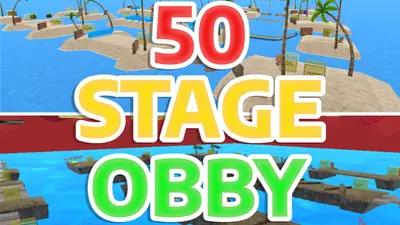
50 Stage Obby for Gorilla Tag — Download & Install Guide
Download 50 Stage Obby for Gorilla Tag for free. Read our step-by-step setup guide and access direct download links for maps.
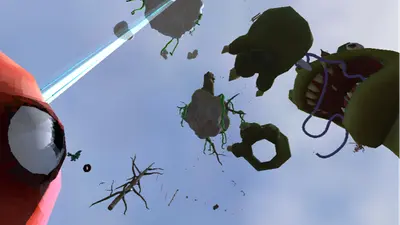
ABOVE THE CLOUDS (Only Up) for Gorilla Tag — Download & Install Guide
Download ABOVE THE CLOUDS (Only Up) for Gorilla Tag for free. Read our step-by-step setup guide and access direct download links for maps.
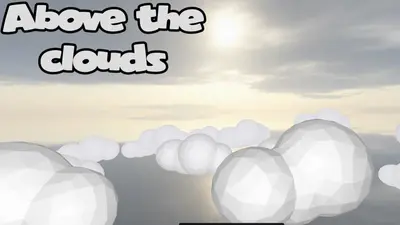
Above the Clouds (Knockout) for Gorilla Tag — Download & Install Guide
Download Above the Clouds (Knockout) for Gorilla Tag for free. Read our step-by-step setup guide and access direct download links for maps.