Monke Map Loader: How to Install, Configure, and Load Custom Arenas
Master Monke Map Loader in Gorilla Tag. Learn how to install the plugin, add .gtmap files, teleport through portals, and fix endless loading screens.
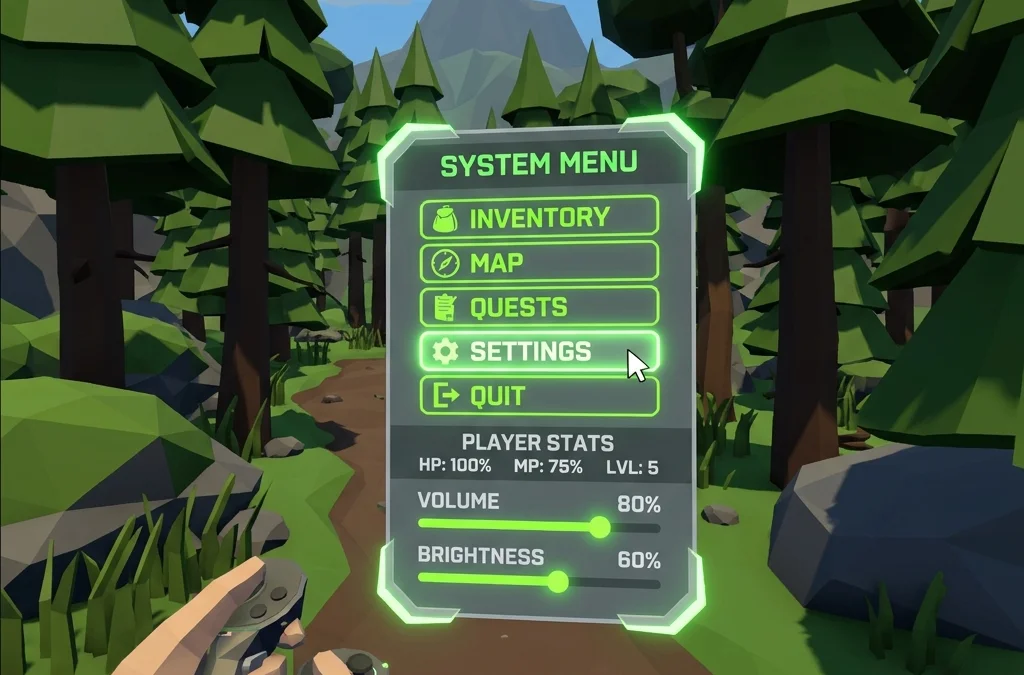
What Is Monke Map Loader?
Monke Map Loader is the foundational plugin responsible for all custom 3D environments in Gorilla Tag. Without it, the game can only load the standard default maps (Forest, Caves, Mountains, etc.).
With Monke Map Loader, an interactive computer terminal and glowing neon portal appear inside the main treehouse. By interacting with the keyboard terminal, you can select any custom map you have installed, enter the portal, and instantly teleport into custom arenas with your friends.
Step 1: Installing Monke Map Loader
PC VR Installation:
- Download
MonkeMapLoader.dllfrom the GTMods Tools catalog. - Place
MonkeMapLoader.dllinside:Gorilla Tag\BepInEx\plugins\ - Run Gorilla Tag once through Steam. The mod will automatically create a dedicated map storage folder at:
Gorilla Tag\BepInEx\plugins\CustomMaps\
Step 2: Downloading and Adding Custom Maps
Every custom map is distributed as a single packaged file with the .gtmap extension.
- Browse the Maps category on GTMods.net and download your favorite maps (e.g., Bikini Bottom, Only Up!, or Space Raft).
- Move the downloaded
.gtmapfiles into:Gorilla Tag\BepInEx\plugins\CustomMaps\ - Note: Do not rename the extension. The files must end strictly in
.gtmap.
Step 3: Entering Custom Maps in VR
- Put on your VR headset and load into Gorilla Tag.
- Inside the treehouse, walk past the main computer terminal toward the exit portal wall. You will see a secondary terminal display titled “MONKE MAP LOADER”.
- Use your physical in-game hand to press the Up and Down arrow keys on the terminal board to navigate your list of installed maps.
- Press the Enter key to select the highlighted map.
- The large archway next to the terminal will turn from blue to bright green, indicating the arena has loaded into memory.
- Simply walk or jump through the portal to teleport!
Troubleshooting Common Map Loader Issues
Issue 1: Endless Portal Loading / Black Void
If walking through the portal leaves you falling through endless darkness:
- The map file was built for an incompatible Unity engine version. Check GTMods for a patched release of the
.gtmap. - Your system RAM was temporarily exhausted loading high-poly textures. Restart Gorilla Tag to clear memory buffers.
Issue 2: Friends Cannot Join Your Custom Map Lobby
To play custom maps with friends:
- Every player in the lobby must have the exact same
.gtmapfile installed. - Ensure all players enter the same custom private room code at the treehouse terminal before jumping through the portal.
GTMods is an educational resource and mod testing community. We strongly advocate for fair play in VR gaming. Mods that introduce flight, speed modifications, or custom physical parameters must exclusively be run in private, modded custom lobbies. Running unauthorized modifications in public matchmaking queues violates game rules and will lead to an account ban.